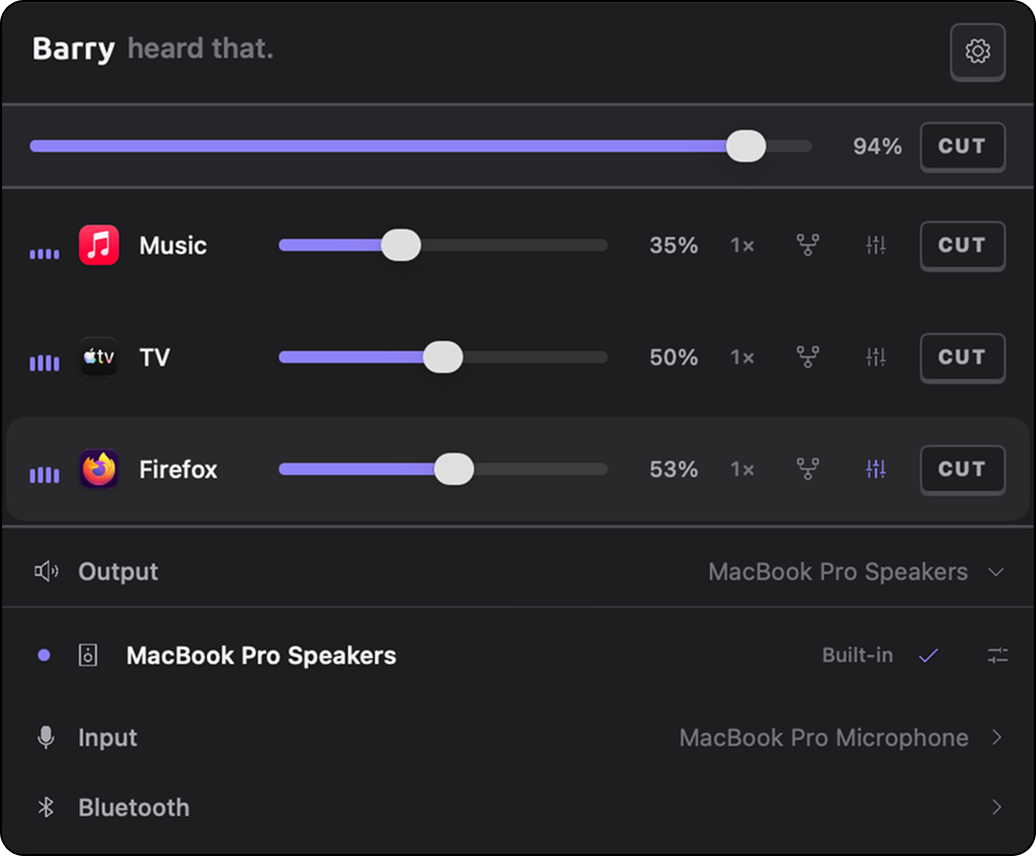
Per-app volume control.
The volume mixer your Mac never had.
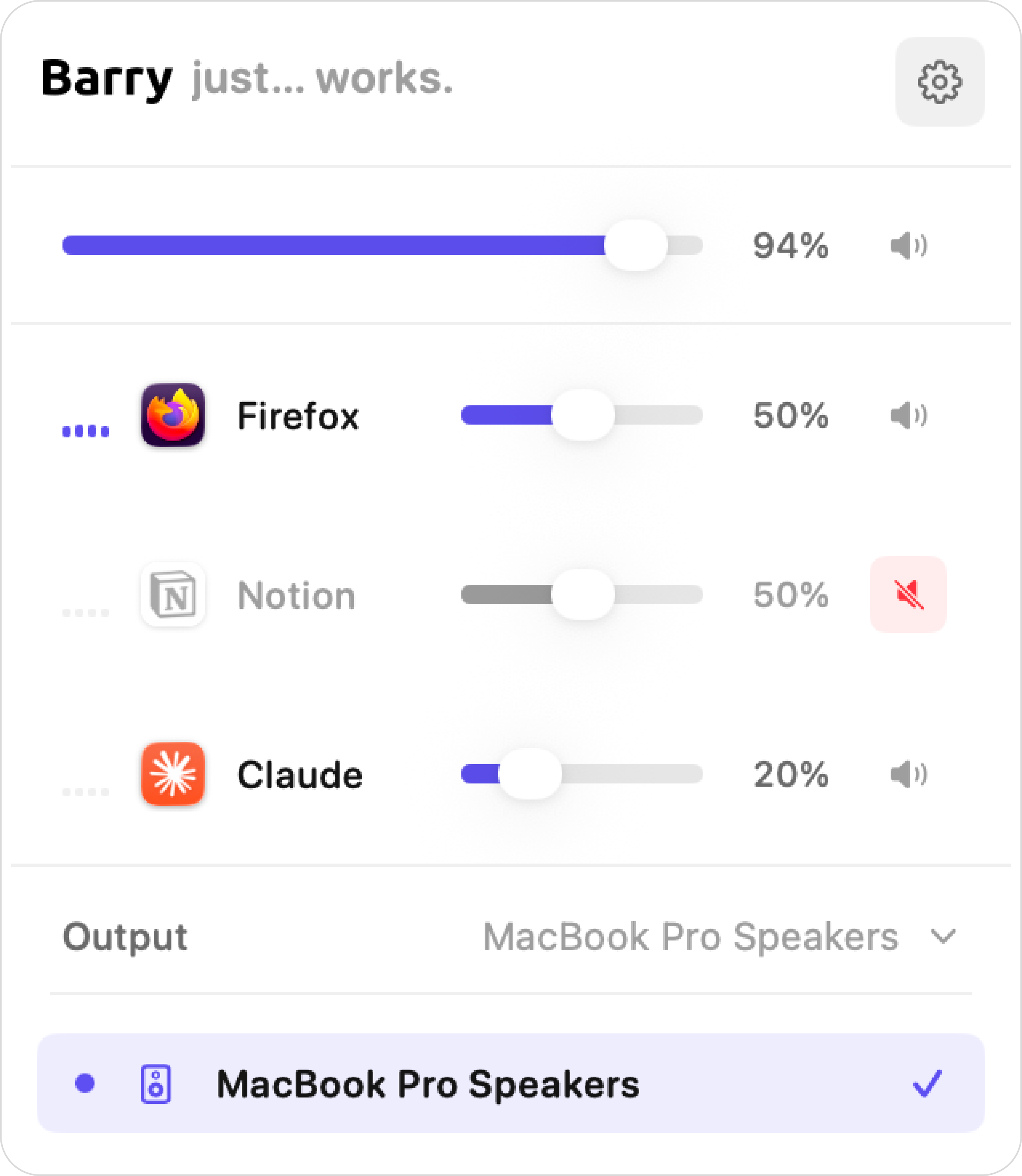
The volume mixer your Mac never had.
Per-app volume
Adjust every app’s volume independently — no more racing to mute a loud tab.
Live VU meters
See real-time audio levels for each app so you always know what’s making noise.
Mute any app
Silence one app instantly without touching the others or your system volume.
Per-app equalizer
A ten-band EQ on one app alone, with presets you can save and reuse.
Boost past 100%
Push a too-quiet app above unity gain. A soft limiter catches the peaks.
Per-app routing
Send one app to your headphones and leave everything else on the speakers.
Output device switcher
Switch between speakers, headphones, or any audio device from one place.
Quick Mixer
A compact floating mixer for when the full popover is more than you need. Push your mouse against the right edge of the screen and it appears.
Volume shortcuts
Nudge the focused app up or down without opening anything — ⌥⌘↑ and ⌥⌘↓, wherever you are.
Headphone correction
Search your headphone model and Barry applies an AutoEq correction curve to that output device. Import any ParametricEQ.txt if yours isn’t listed.
Microphone and Bluetooth
Pick your input device, set its gain, mute it, and watch a live meter — plus connect or disconnect paired Bluetooth audio without opening System Settings.
Media keys that work everywhere
Your volume keys are greyed out on HDMI, DisplayPort and many USB outputs. Barry drives them anyway, through DDC/CI or a software gain.
Loudness compensation
Quiet listening loses bass and treble. Barry lifts them back by an amount that tracks the level, so low volume still sounds full.
Fully Swift-native
Engine written entirely in Swift, running on Apple’s audio framework — blazing fast, no kernel extensions, no third-party drivers.
Licensed with Keylight
Barry uses Keylight for licensing — a modern, developer-friendly licensing SDK for macOS and iOS apps.